How to Officiate a Wedding Over Zoom or Livestream
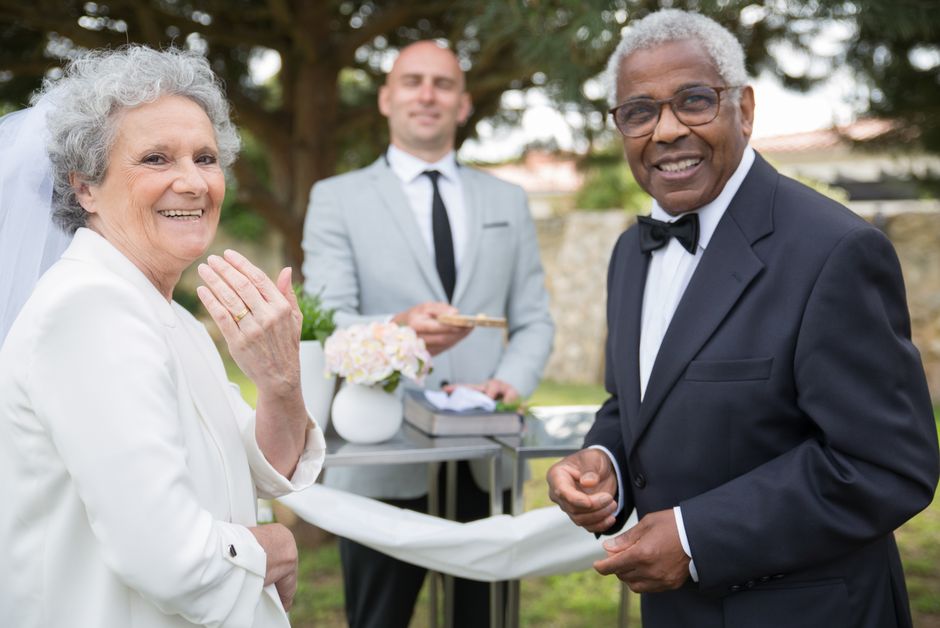
Remote and hybrid weddings — where some guests attend in person and others watch on Zoom, YouTube, or Facebook Live — have become common enough that officiants need a plan for them. The ceremony itself doesn’t change much, but a few adjustments make it land well for both audiences at once.
Confirm the setup ahead of time
Ask the couple these questions during your planning call: Who is running the camera or laptop? Is there a dedicated microphone, or will the device’s built-in mic pick up your voice? Is the stream one-way (guests just watch) or does it need two-way audio (a remote reading or vow response)? Get this settled at least a week out — troubleshooting tech on the wedding day itself steals focus from the ceremony.
Positioning yourself for the camera
Stand where you’re not blocking the camera’s view of the couple, and where your own face is visible if you’ll be speaking. If a single camera is capturing the whole ceremony, do a quick walkthrough of the space beforehand to confirm sightlines.
Pacing for a screen audience
Slow down slightly and project a bit more than feels natural — audio compression on livestreams flattens dynamic range, so a normal in-person speaking volume can sound muffled or unclear remotely. Pause a beat longer than usual between major sections (readings, vows, the ring exchange) to account for stream lag on the viewer’s end.
Acknowledging the remote guests
A simple line early in the ceremony — “And to everyone joining us online from wherever you are today, welcome, we’re so glad you’re here” — makes remote guests feel included rather than like an afterthought. It costs ten seconds and noticeably changes how the ceremony feels for anyone watching from a screen.
If a remote guest is participating directly
For a remote reading or a virtual “best man” moment, build in a short buffer before and after their segment to absorb any audio lag, and have a backup plan (someone in the room ready to read the passage) in case the connection drops.
Common mistakes to avoid
Assuming the tech “just works.” Do a test call with whoever’s running the stream a day or two before, not the morning of.
Speaking too quietly for the mic setup. If in doubt, ask a family member to watch the test stream on their phone and confirm you’re audible.
Ignoring the remote audience entirely. Even one acknowledging line goes a long way toward making a livestream ceremony feel intentional rather than incidental.


Comments
Leave a comment